Your cleanup assistant
See priority steps based on your library and start with the biggest opportunities.
CLEANINGO FOR IPHONE
Bring a little order to your iPhone. Find similar photos, lighten big videos, and organize your contacts and files. You choose what stays.
Start free · iPhone · iOS 17 or later
A LOOK INSIDE CLEANINGO
A LITTLE MORE ROOM
Thoughtful tools for every corner. Choose what you need and go at your own pace.
Grab, drag, explore.Swipe to explore.
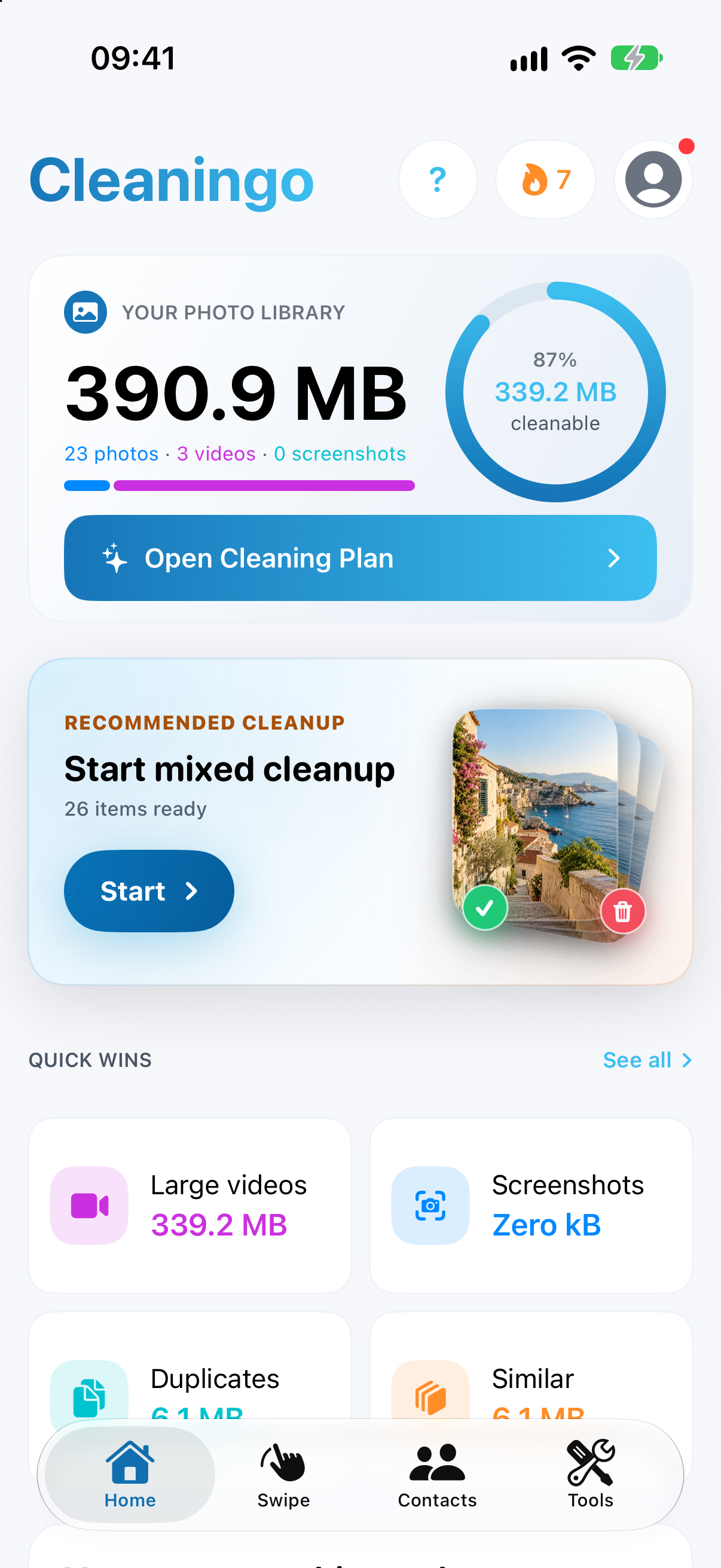
Get a clearer view of your photos and videos. Find large items, sort screenshots, and work through your library month by month.
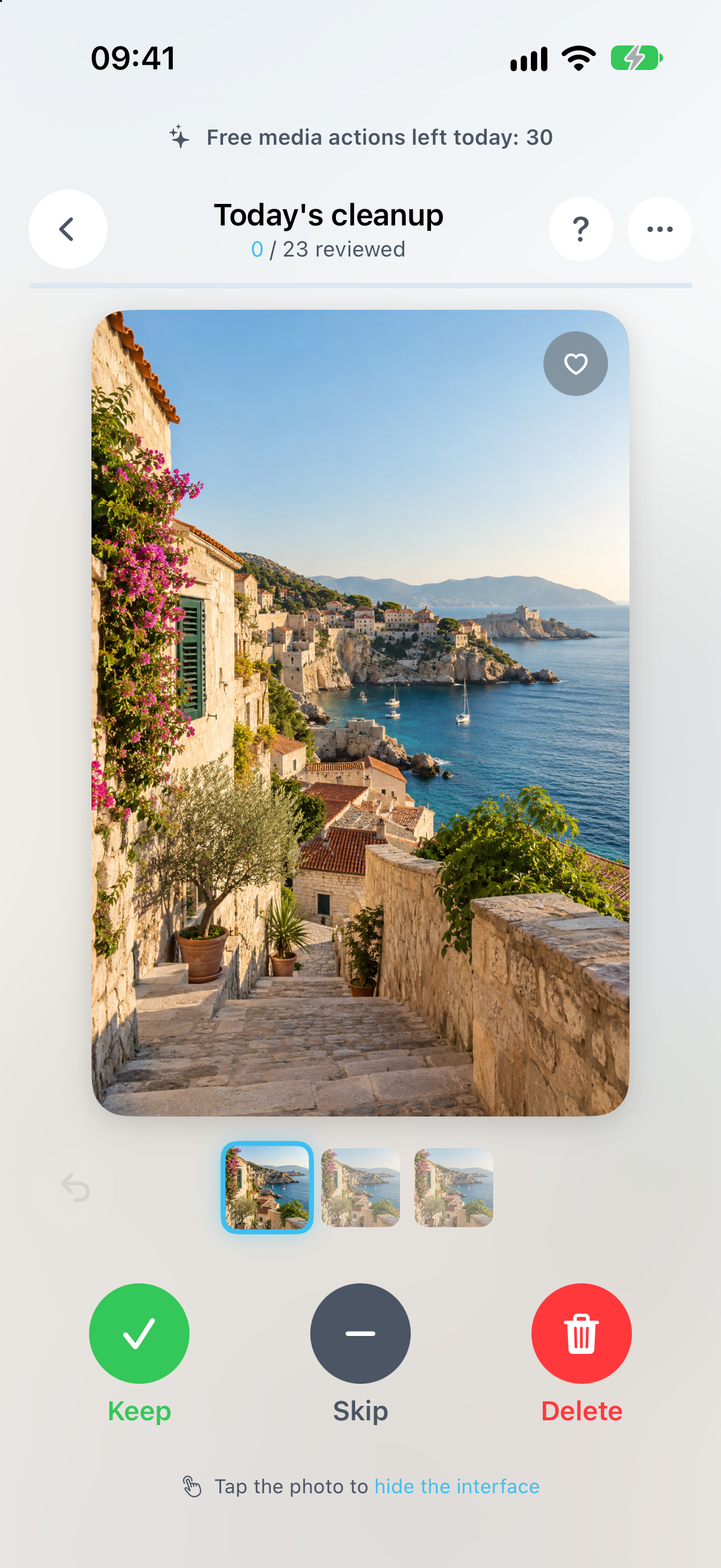
Give every photo a little attention. Protect your favorites and set unwanted items aside in app trash. Set your preferred swipe direction.
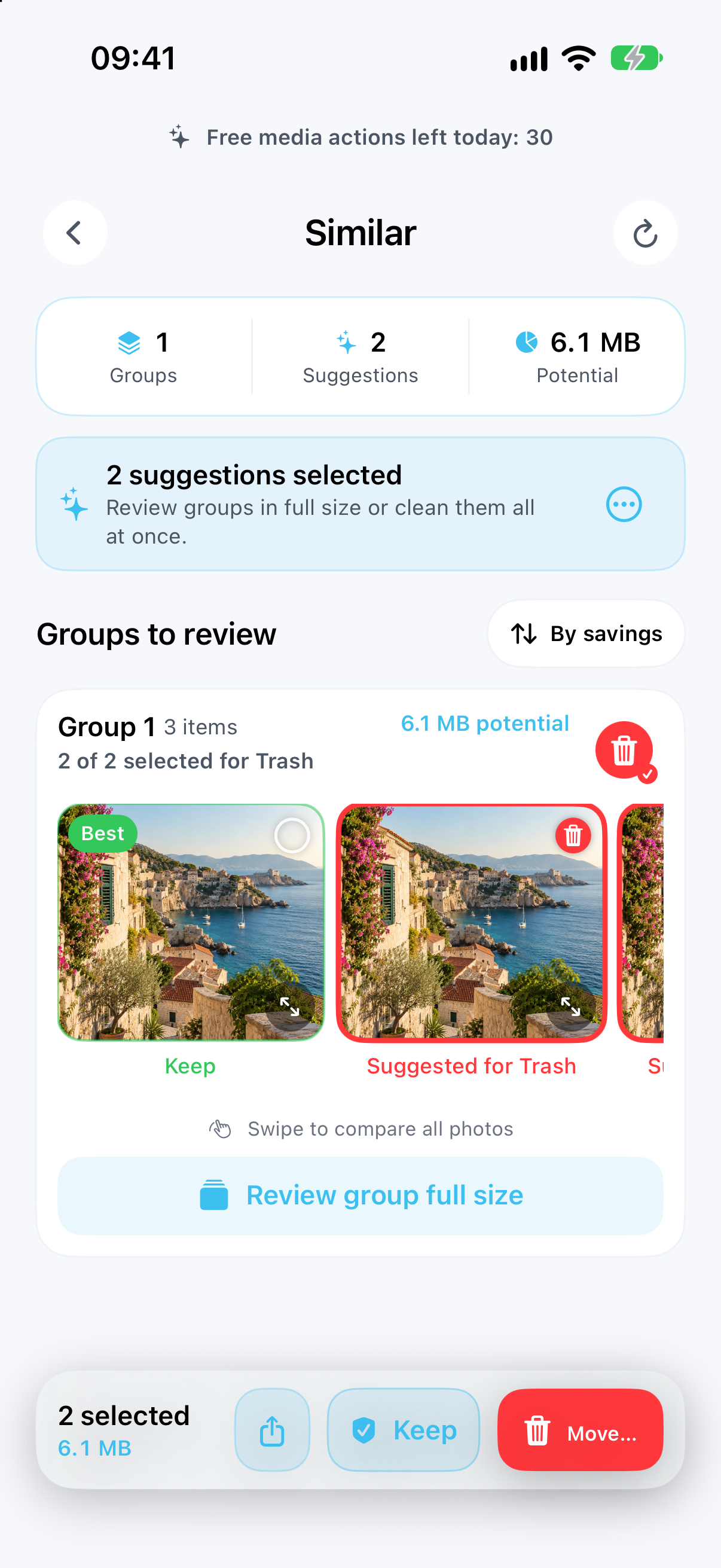
Analyze duplicates, similar shots and blurry photos on your device. Review suggestions and choose what to keep.
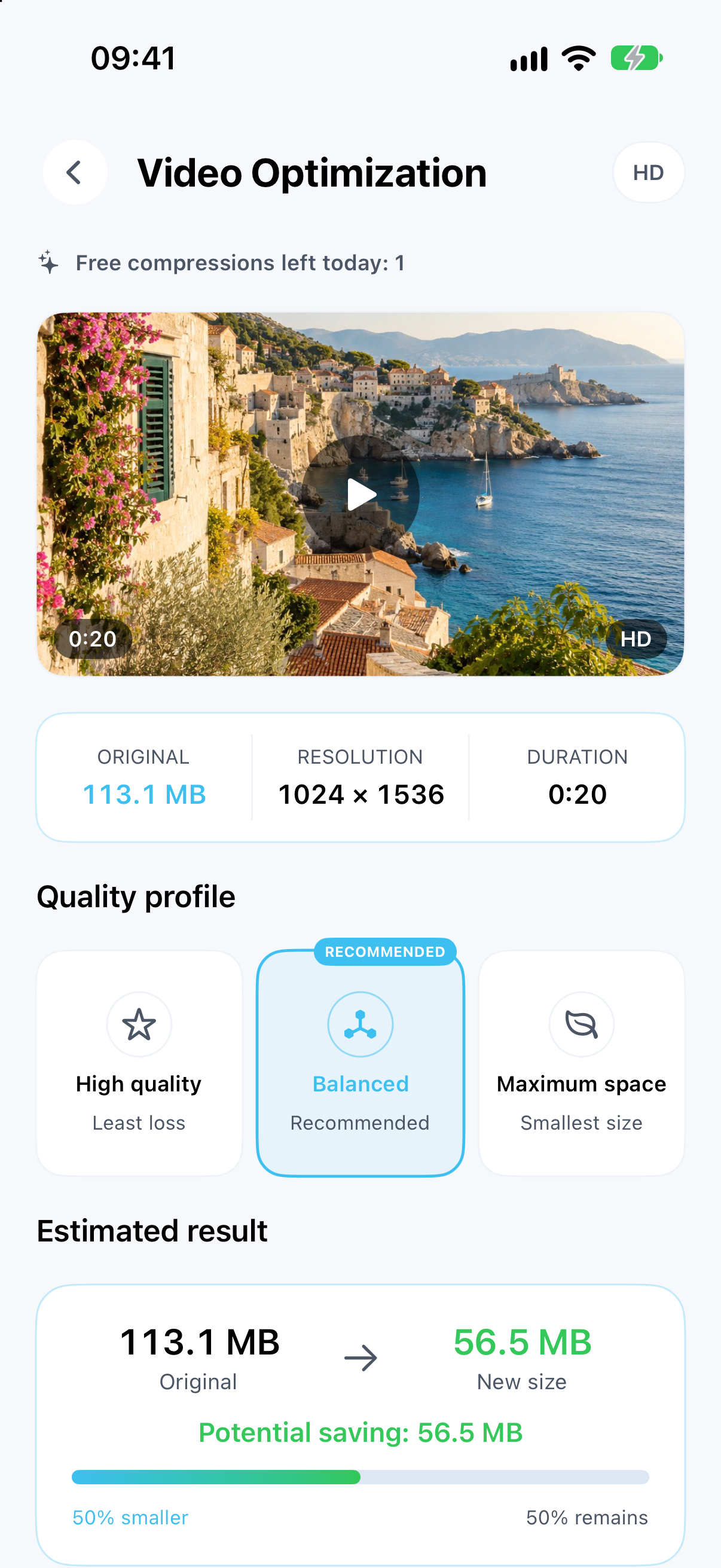
Choose a quality level and create a new compressed video. Your original stays in place until you decide to remove it.
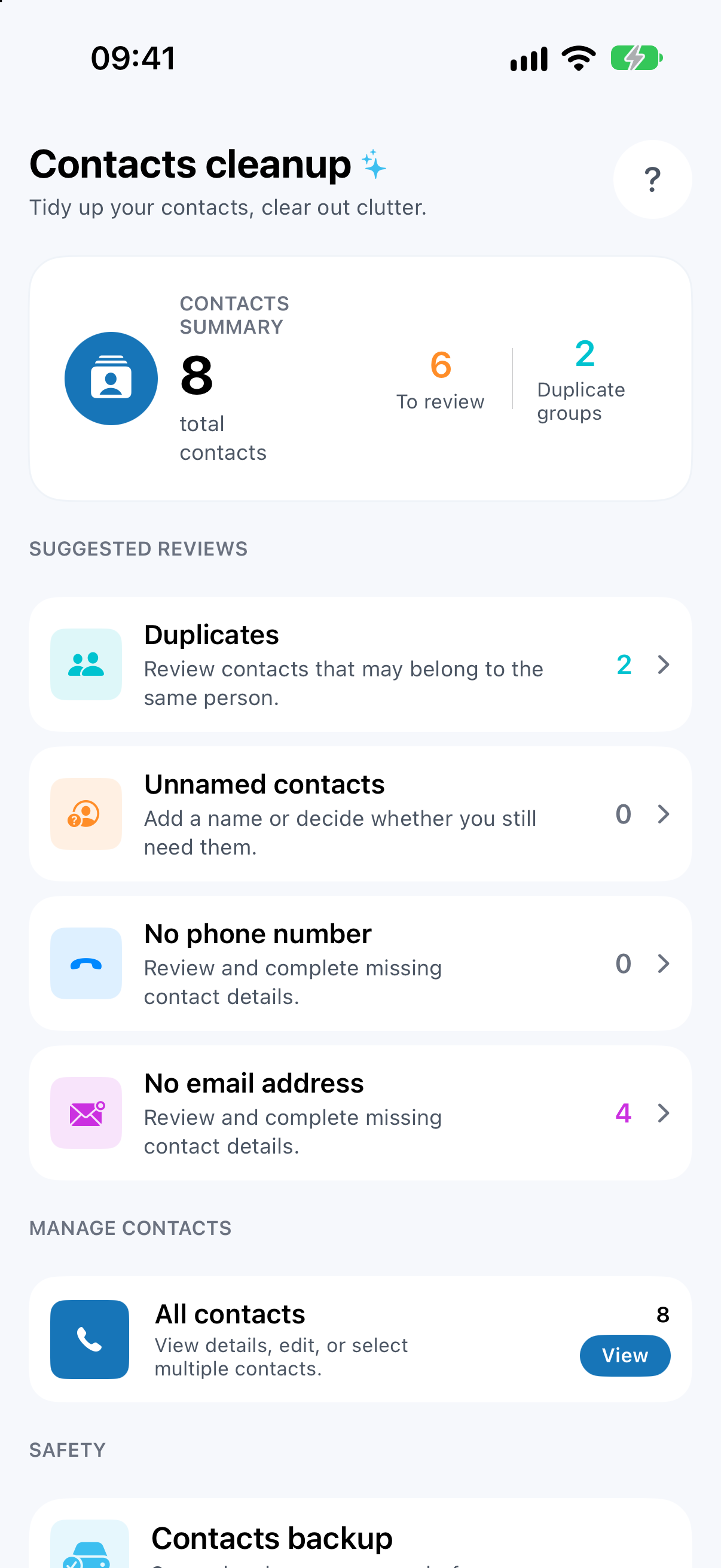
Merge duplicate numbers and review incomplete entries. Make a local contact backup before deleting or merging.
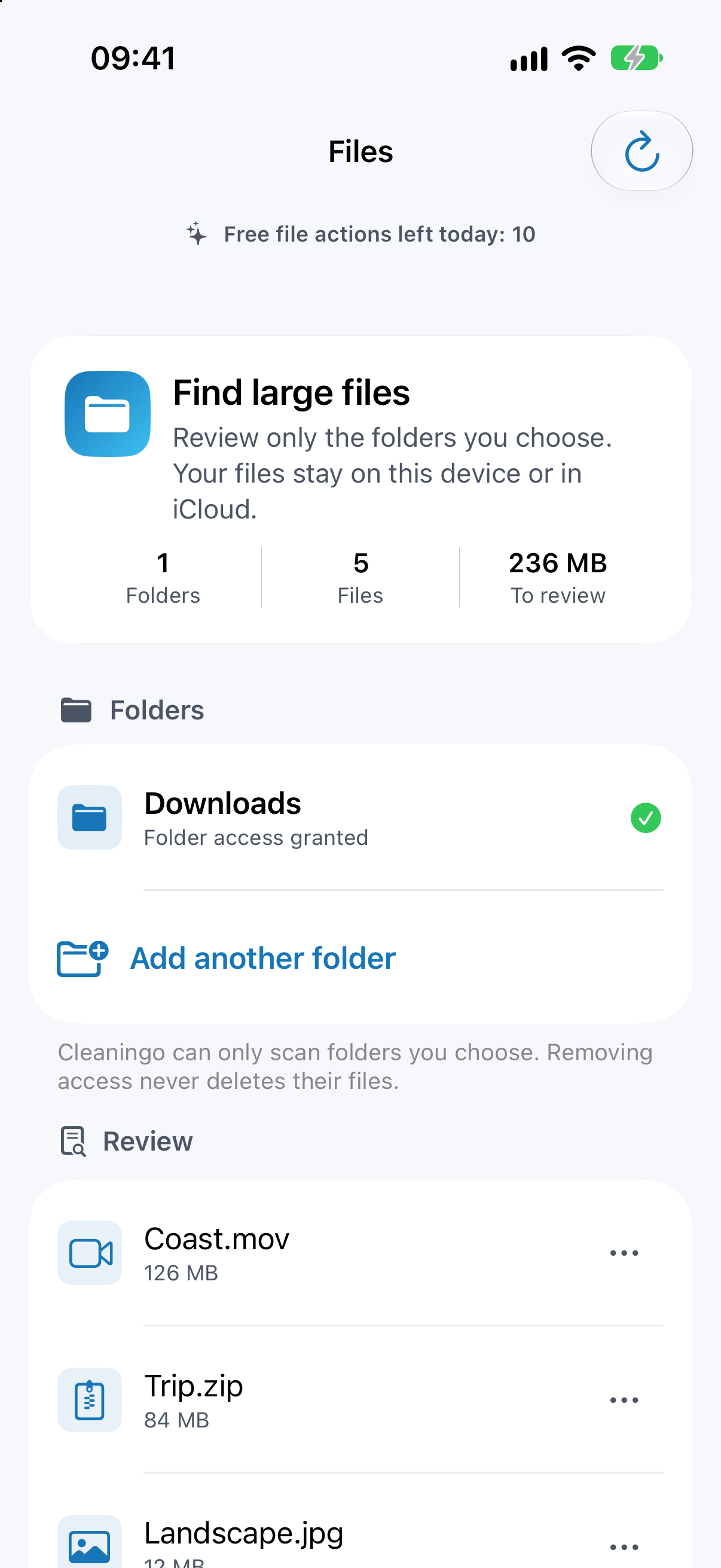
Pick a folder from Files. Review large files inside and decide for yourself what to clean up.
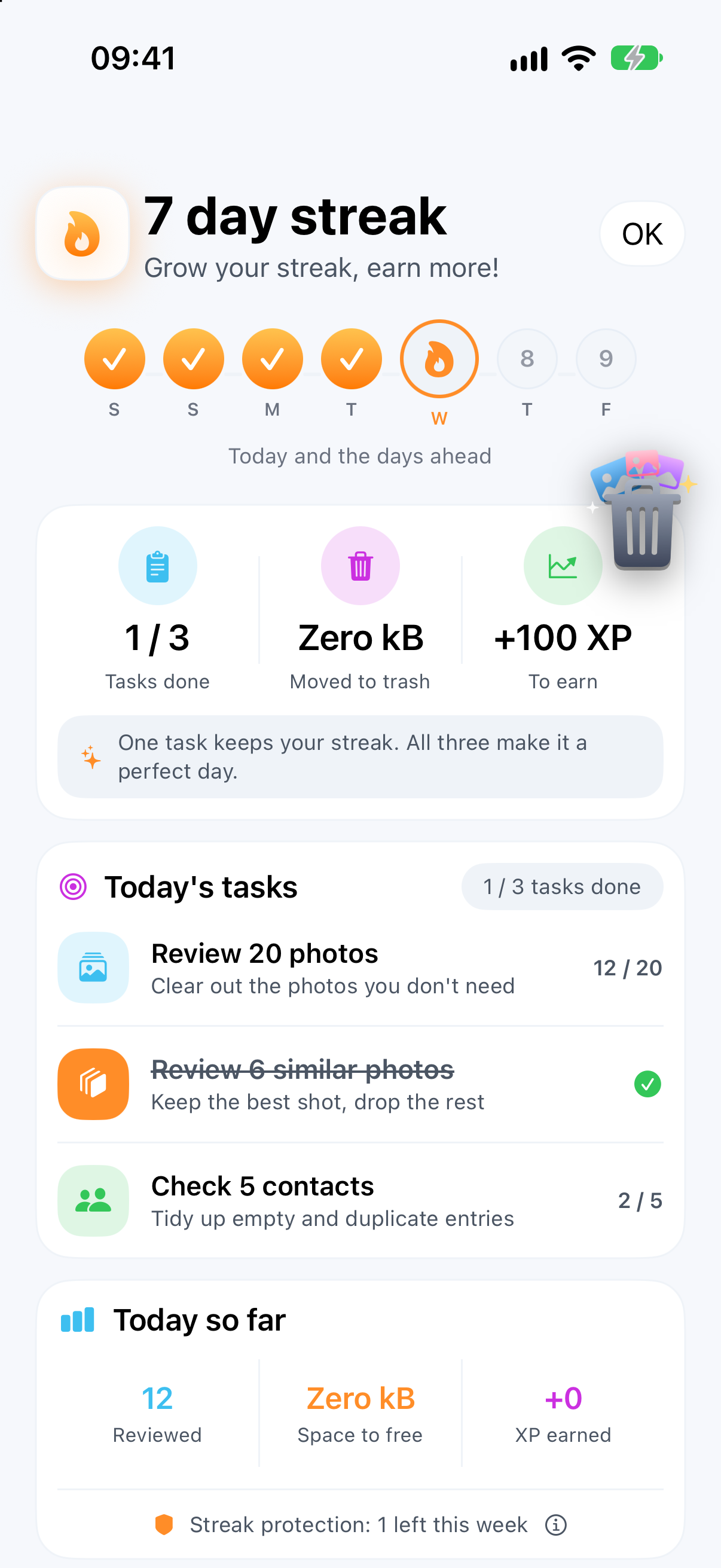
Keep moving with daily tasks and goals. Build a streak, earn XP, level up and collect badges.
CLEANINGO, UP CLOSE
See priority steps based on your library and start with the biggest opportunities.
Recognize text in screenshots on your device and find what you’re looking for.
Protect your favorites so you don’t have to make the same choice every time.
Revisit the moments you’ve kept with the Memories view.
Bring your cleanup summary and shortcuts to your iPhone home screen.
Sign in to back up progress and limited photo decisions. Photo and video content is not uploaded.
AT YOUR OWN PACE
Grant access for the tool you want to use. Photos, contacts or a folder you pick; you’re in control.
Open suggested groups or swipe through your library. Protect favorites and set extras aside.
Review the deletion steps and confirm when you’re ready. Watch your progress build.
Photo and video selections wait in app trash until deletion is confirmed. Contact changes take effect immediately after confirmation; files are permanently removed when file trash is emptied. iCloud and Recently Deleted may delay changes to physical free space.
PERSONAL STAYS PERSONAL
Photo, video, contact and file content is analyzed on your iPhone. Cleaningo does not upload this content to its services.
Data processing by account, progress backup and advertising services, along with your own iCloud and file-provider settings, is explained in the privacy policy.
Read our approach to privacyCleaningo analyzes content on your device and does not upload photo, video, contact or file content to its services. Your own iCloud and file-provider synchronization operate separately. Optional accounts and progress backup use limited decision and progress data rather than content.
No. Photos and videos set aside for deletion wait as selections in Cleaningo trash until you confirm the permanent deletion steps. Apple’s Recently Deleted area and iCloud synchronization can delay an increase in physical free space.
Compression creates a new copy. The original is not deleted without your confirmation. The new copy also occupies space, so savings remain potential until the original is removed. Results depend on the content and quality you choose.
Contact deletion and merging take effect immediately after confirmation; create a local backup first. Restoring requires full contact access. Files are permanently removed when you empty file trash. These flows differ from photo and video review.
You don’t need an account for basic cleanup. You can optionally sign in for progress and limited photo decision backup. Creating an account does not automatically unlock Premium.
Manage your subscription in iPhone Settings → Apple Account → Subscriptions. Cancel at least 24 hours before the current period ends to prevent renewal. Deleting the app or your Cleaningo account does not cancel your subscription.
A LITTLE ORDER, TOGETHER
New features, small organizing tips and updates from Cleaningo. Follow along and share your experience.
A fresh start for your iPhone.

Start free · iPhone · iOS 17 or later